Consider it when…
- Developers coordinating several bounded repository tasks
- Long-running feature, maintenance and verification work that benefits from isolated worktrees
- Teams extending agents with reviewed skills, MCP servers or SDK policies
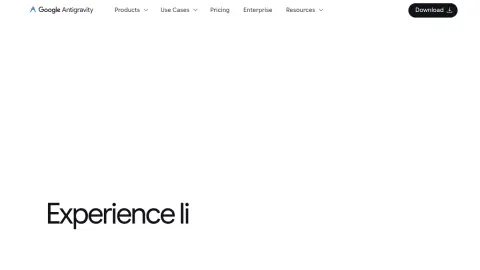
antigravity.google
Google Antigravity is an agent-first development system spanning a standalone desktop command centre, IDE, terminal interface and software-development kit. It is designed for delegating multi-step coding and knowledge work across files, terminals, browsers, workspaces and subagents while returning reviewable plans, diffs and visual artifacts.
Create a project with the smallest necessary folder and repository boundary, choose local or isolated-worktree execution deliberately, define acceptance tests and forbidden actions, and require the agent to return code diffs, test results and visual evidence. Review permissions and artifacts before merging or deploying any consequential change.
These checks follow the platform-specific brief; complete them before purchase or production use.
Start with a guided brief for Antigravity. Maviter keeps the selected platform in context and never exposes private member prompts here.
Commercial destinations are labelled and never influence editorial fit.
These official sources support a distinct working brief, but official documentation is not an independent benchmark. Pricing and consequential claims must still be checked before purchase or production use.
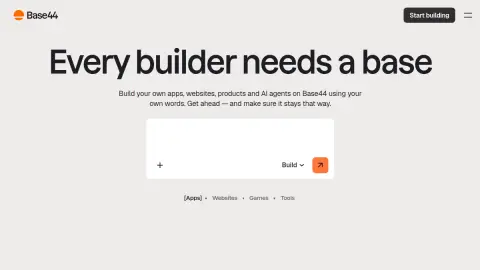
Create internal tools and apps using natural language.
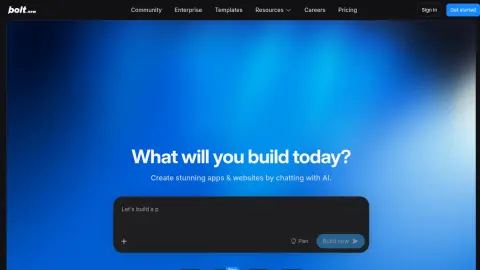
Prompt, build, and run web applications in the browser.
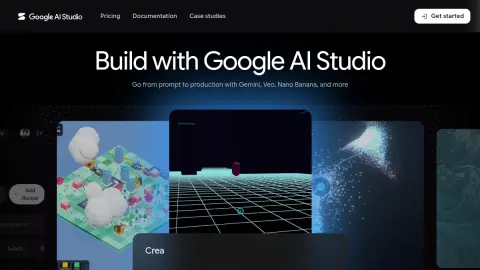
Prototype with Gemini models and move toward production.

Turn a product description into a full-stack application.
Use the profile’s specific evaluation steps with representative, authorised material. Record what happened before deciding whether this tool fits your work.
Your notes stay in this browser tab. Refresh clears them. Nothing is submitted to Antigravity or saved to your Maviter account.