Consider it when…
- Customer-facing web products, internal tools and portals
- Teams that want rapid generation plus GitHub-backed engineering ownership
- Applications using managed connectors or reviewed server-side API integrations
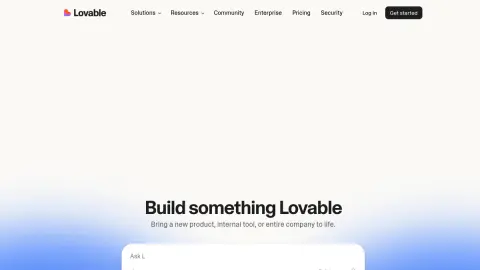
lovable.dev
Lovable is a natural-language development platform for building and operating editable full-stack web applications. It joins interface generation with backend, authentication, database and integration paths, while supporting GitHub synchronization, external APIs, security checks and conventional deployment ownership.
Write the product brief around users, roles, data ownership and the primary transaction. Connect GitHub early, keep credentials in server-side secrets, implement row-level or backend authorization before polish, test each role and integration, run the security review, and require a normal release process for the synchronized codebase.
These checks follow the platform-specific brief; complete them before purchase or production use.
Start with a guided brief for Lovable. Maviter keeps the selected platform in context and never exposes private member prompts here.
Commercial destinations are labelled and never influence editorial fit.
These official sources support a distinct working brief, but official documentation is not an independent benchmark. Pricing and consequential claims must still be checked before purchase or production use.
Google’s agent-first environment for software development.
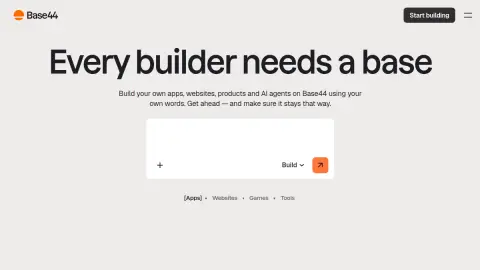
Create internal tools and apps using natural language.
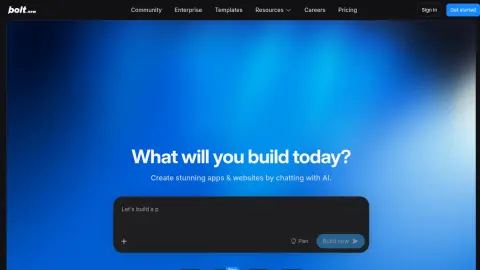
Prompt, build, and run web applications in the browser.

Prototype with Gemini models and move toward production.
Where: Use the project conversation; start planning before requesting code changes.
Prepare: Use a project you own and record the current working checkpoint.
Generated code still needs review, permission checks and executable tests. A preview is not production acceptance.
Templates reviewed for clarity and product fit; provider execution and output quality are not independently verified.
Plan [USER JOURNEY] for [AUDIENCE]. Ask about missing inputs, permission boundaries and success criteria before changing code. Show screens, states and the smallest first component. Preserve [WORKING FEATURES]. Do not add unrelated integrations.
Check the result: The plan includes empty, loading, success and error states and names the permission boundary.
Implement only the [FORM] in the agreed plan. Use visible labels, keyboard access, field-level errors and a clear success state. Use this real example content: [CONTENT]. Preserve the existing design system and data contracts. Show how you tested invalid and valid input.
Check the result: Try keyboard-only use, missing fields, valid submission and duplicate clicks.
Investigate [STEPS TO REPRODUCE] with expected [EXPECTED] and actual [ACTUAL]. Locate the responsible component before editing. Propose the smallest fix and protect [BEHAVIOUR]. After the change, rerun the reproduction and relevant regression checks.
Check the result: The same failure case passes after the patch and protected behaviour remains intact.
Review how [PRIVATE RECORD TYPE] is read and edited in this project. Trace the actual server-side ownership checks. Identify unsupported assumptions and propose tests for owner, another account and anonymous access. Do not expose real private data in test fixtures.
Check the result: UI hiding alone is not accepted as authorisation enforcement.
Prepare a handover for the current checkpoint. List implemented changes, tests actually run, remaining failures, required environment-variable names without values and rollback instructions. Distinguish preview from deployed state. Do not publish or deploy as part of this request.
Check the result: Every test and deployment claim has an identifiable result or revision.
Use the profile’s specific evaluation steps with representative, authorised material. Record what happened before deciding whether this tool fits your work.
Your notes stay in this browser tab. Refresh clears them. Nothing is submitted to Lovable or saved to your Maviter account.