Consider it when…
- Teams prepared to run one suitable quantised model on the target computer and test context, concurrency and local API access
- Buyers measuring tokens per second, memory use, answer quality and operational stability
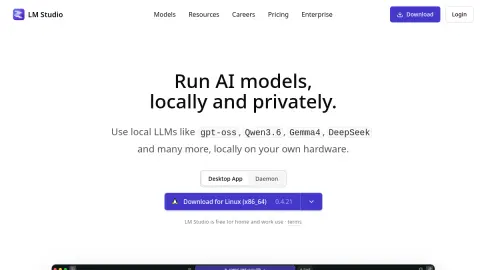
lmstudio.ai
Discover, download, and run local models from a desktop app. The current Maviter research brief focuses on the decision that matters most: LM Studio is a desktop environment for discovering, downloading and serving local language models.
Start with a controlled decision, not a broad subscription. Run one suitable quantised model on the target computer and test context, concurrency and local API access. Record tokens per second, memory use, answer quality and operational stability. Review the official source, preserve the stated operating boundary, and keep the profile at review-pending status until Maviter completes independent evidence verification.
These checks follow the platform-specific brief; complete them before purchase or production use.
Start with a guided brief for LM Studio. Maviter keeps the selected platform in context and never exposes private member prompts here.
Commercial destinations are labelled and never influence editorial fit.
These official sources support a distinct working brief, but official documentation is not an independent benchmark. Pricing and consequential claims must still be checked before purchase or production use.
Use the profile’s specific evaluation steps with representative, authorised material. Record what happened before deciding whether this tool fits your work.
Your notes stay in this browser tab. Refresh clears them. Nothing is submitted to LM Studio or saved to your Maviter account.