Consider it when…
- Collaborative prototypes, education and small cloud applications
- Teams needing an immediately runnable shared development environment
- Projects that benefit from switching between an agent and direct code editing
replit.com
Replit is a cloud software workspace combining an AI development agent, browser IDE, runtime, collaboration, databases and deployment services. It supports prompt-led application creation as well as hands-on coding, making it useful when a project needs a shareable environment that can progress from prototype to an operated cloud deployment.
Define the runtime, persistent data, users and production expectations before asking Agent to build. Use a bounded mode for early work, inspect its plan and code, test the application in the workspace, separate secrets from source, then choose and load-test the deployment type rather than treating the development URL as the final service.
These checks follow the platform-specific brief; complete them before purchase or production use.
Start with a guided brief for Replit. Maviter keeps the selected platform in context and never exposes private member prompts here.
Commercial destinations are labelled and never influence editorial fit.
These official sources support a distinct working brief, but official documentation is not an independent benchmark. Pricing and consequential claims must still be checked before purchase or production use.
Google’s agent-first environment for software development.
Create internal tools and apps using natural language.
Prompt, build, and run web applications in the browser.
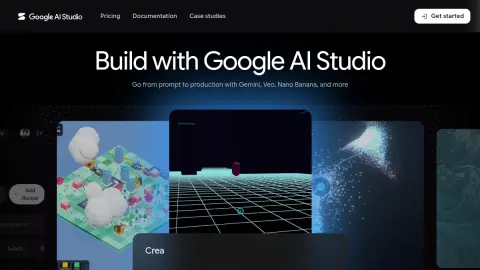
Prototype with Gemini models and move toward production.
Use the profile’s specific evaluation steps with representative, authorised material. Record what happened before deciding whether this tool fits your work.
Your notes stay in this browser tab. Refresh clears them. Nothing is submitted to Replit or saved to your Maviter account.